
Build around the way you work.
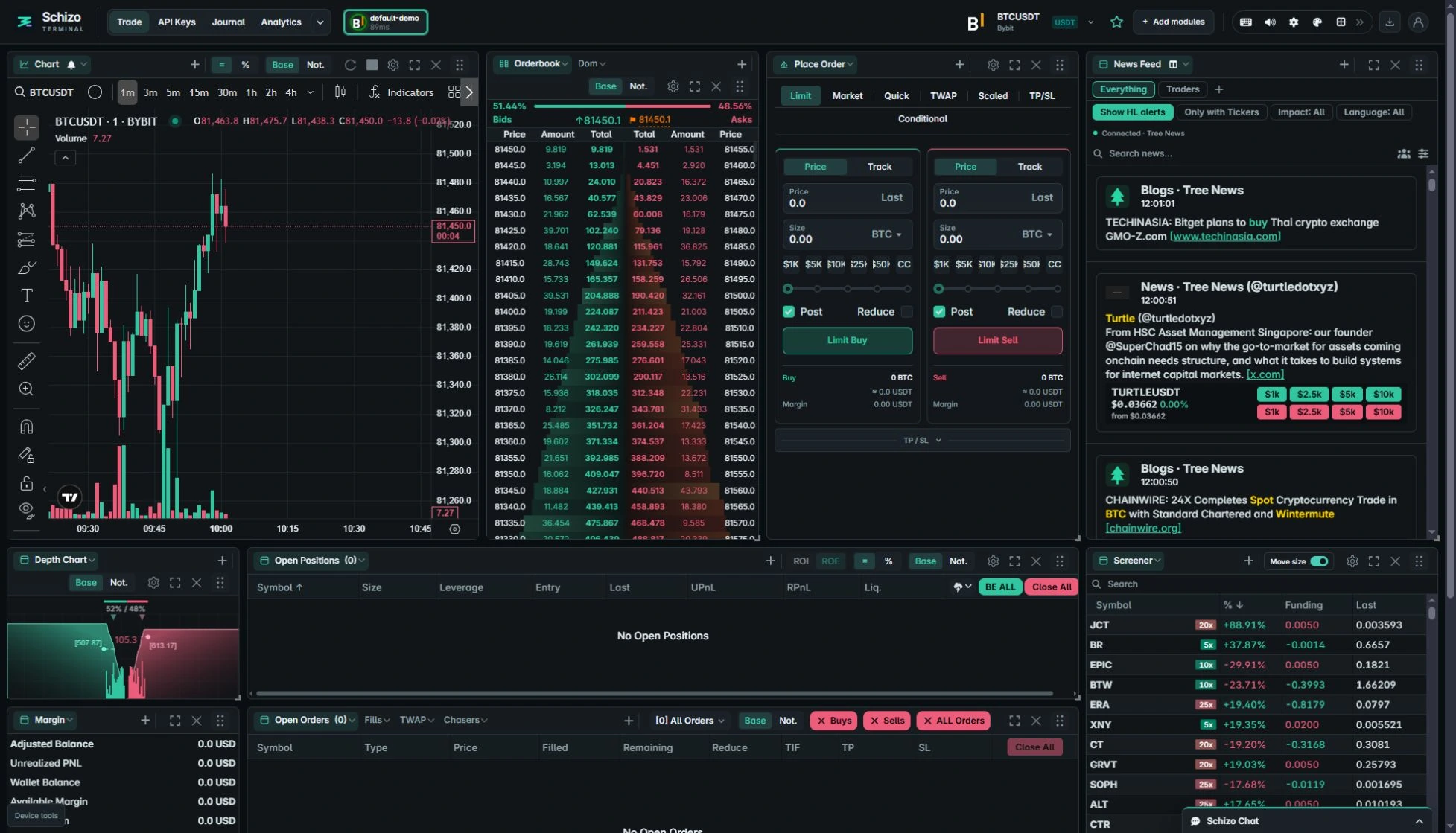
Schizo Terminal brings charts, market depth, order entry, positions and news into a configurable workspace. Choose the modules you need, resize them and save an arrangement for your screen. Your exchange connections and workspace settings belong to the encrypted vault on your device.
From market context to account selection.
A useful trading layout makes the current market and account easy to identify. Split charts can retain different symbols and connections. Select the pane you want to use, then inspect the Place Order module before submitting an instruction.
The terminal also includes trade-review tools and a Journal. Available history depends on the exchange and account, so review the positions and P&L documentation before interpreting a report.
Start with a supported connection.
Check exchange compatibility, follow the setup guide and confirm that private account data loads. Public market data alone does not confirm permission to trade. You can arrange the workspace before adding credentials.
Save the layout, then export a password-protected device backup when you want to preserve or move the full setup. Signing in on another browser does not automatically copy your vault.