
Add and adjust an indicator#
Open Indicators in the chart toolbar, choose a study and adjust its inputs. Indicators that need many candles require enough history to calculate their first value.
If an indicator stays empty, check the symbol, timeframe and historical candles first. A long-period moving average may have no value near the start of a short history window.
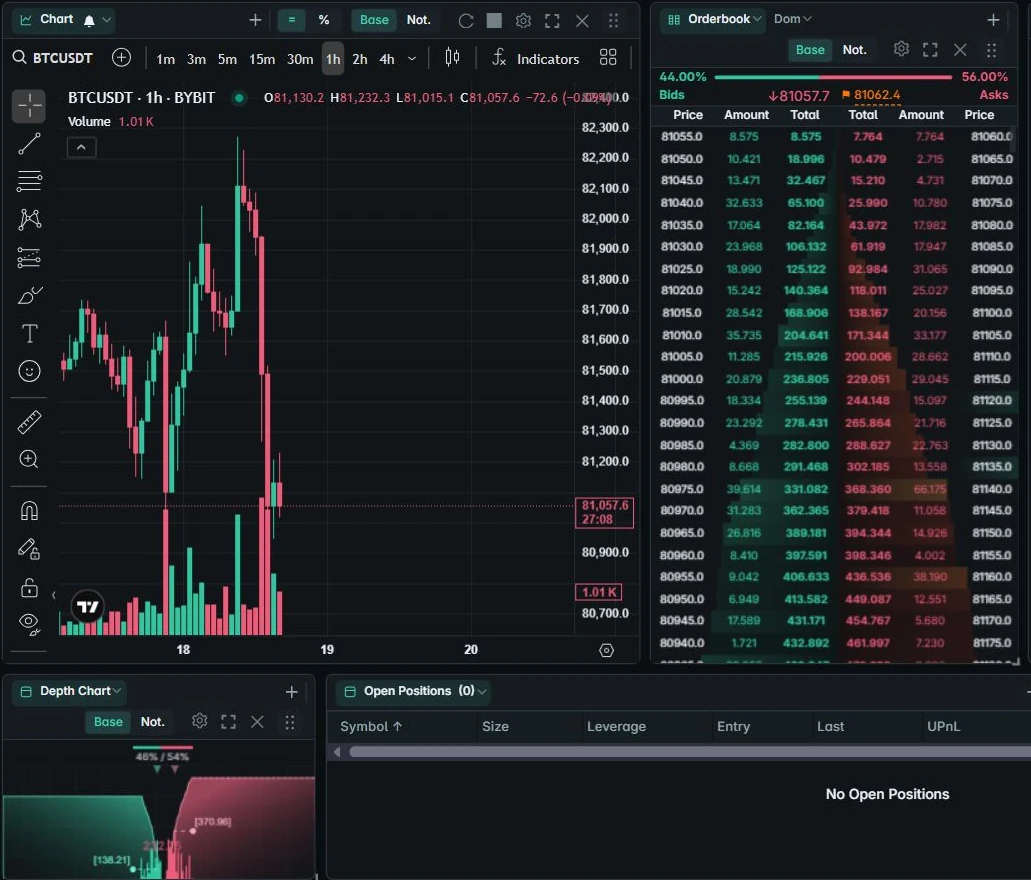
Choose what the chart shows#
Chart settings include order and position visibility, PnL labels, liquidation and breakeven lines, fill history and bracket controls where supported. Use these options to keep the chart readable.
Some chart-engine options require the chart to reload before taking effect. If a setting has not applied, check its inline guidance before refreshing the whole terminal.
Save drawings and templates#
Save a named chart layout and use study or drawing templates where offered. These items persist in your device workspace and can be included in an encrypted backup.
For missing drawings, confirm the same account identity, device, browser profile and chart layout are open. See chart troubleshooting.