
Open the feed#
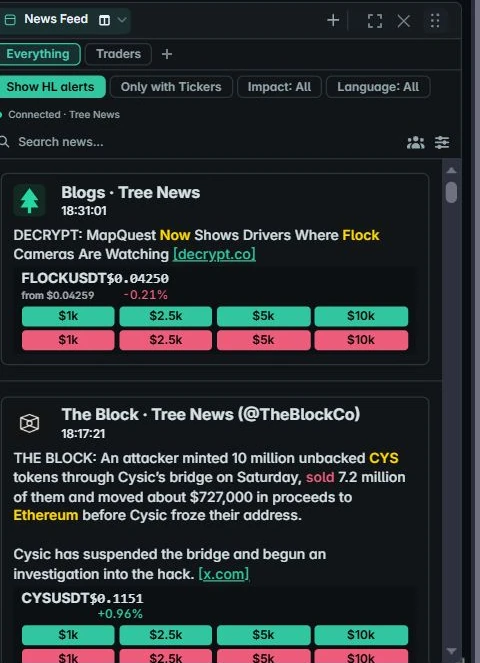
Add or open the News Feed panel. Tree News supplies recent history when it loads and live updates while connected. The Everything view includes the enabled feed.
The connection label helps distinguish a connected feed, reconnecting state and provider failure. The worker reconnects automatically and refreshes recent history after a connection problem.
Search and filter#
Use Search news to find text in loaded items. The ticker filter limits the view to headlines with matched trading symbols. A lack of matches can be caused by the current filter rather than a disconnected feed.
Follow a headline’s source link for its original context. Feed timing and source availability are controlled by the provider; public items can be delayed.
Optional Tree key#
The public feed does not require a new account or API key. If you have a Tree key for additional provider access, enter it in News settings on your device.
The key is stored with your encrypted workspace and sent only to Tree’s live WebSocket. Adding a key does not unlock features outside the access granted by Tree.