Start at the header#
The active account and market determine the context for trading controls. Use the account selector to switch connections and the market picker to choose an instrument. Confirm both before using an order form or shortcut.
The terminal header also contains settings, layout controls, theme and sound controls. Pin or favorite items where the interface offers that option.
Know your panels#
- Chart: price history, drawings, indicators and supported chart-trading controls.
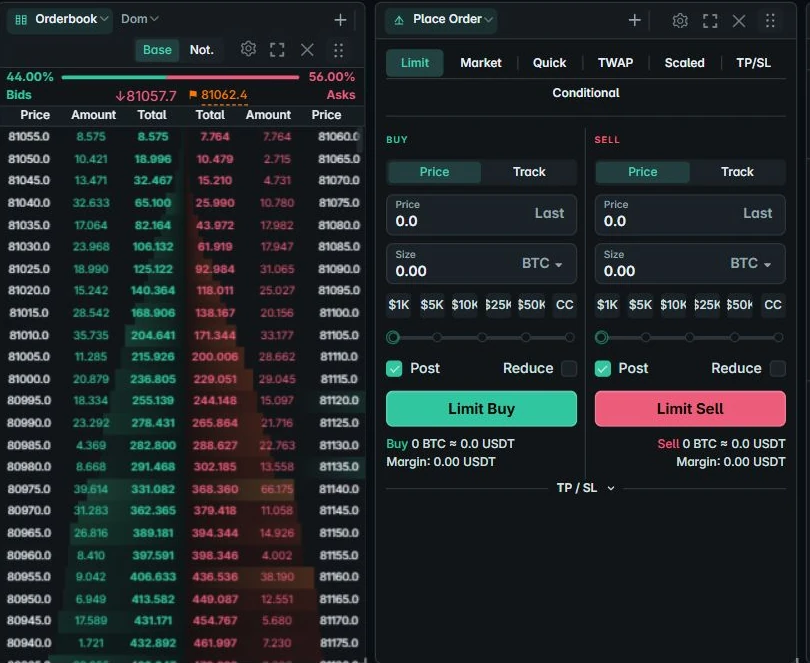
- Order book / Depth: current resting bids and asks.
- Place Order: order types, sizing and execution controls.
- Positions / Orders: current exposure and exchange order status.
- Screener / News: market context and headlines.
The same instrument name on different exchanges is not necessarily the same contract. Check the exchange and contract type shown by each panel.
Tune the workspace#
Open the settings gear for panel and terminal options. Adjust only the panels you need, save a named layout and lock it while using the terminal.